


PC · Mobile
ONLINE KUJI
Online kuji
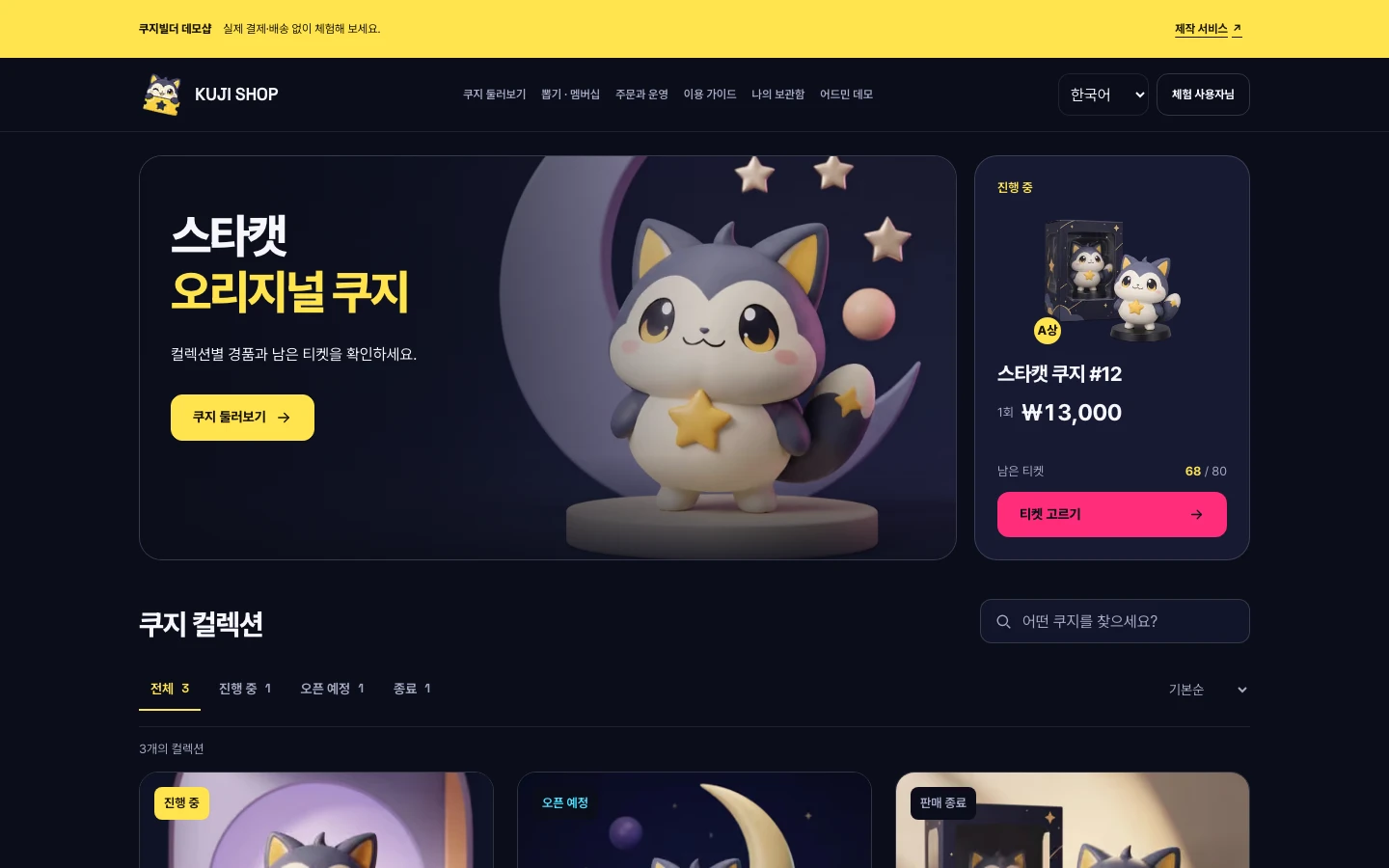
A kuji shop in your hand. Browse collections and check the prizes you like and the tickets left.
- Browse kuji
- Check prizes & stock
- Try a draw

Your store’s own kuji, from planning to launch
We build online kuji sites and in-store kiosks. We design draws, inventory, payments, and prize pickup, and also help you develop dedicated Android and iOS apps.
Services
Online kuji sites and in-store kuji kiosks. Build them separately, or run them together on a single inventory.
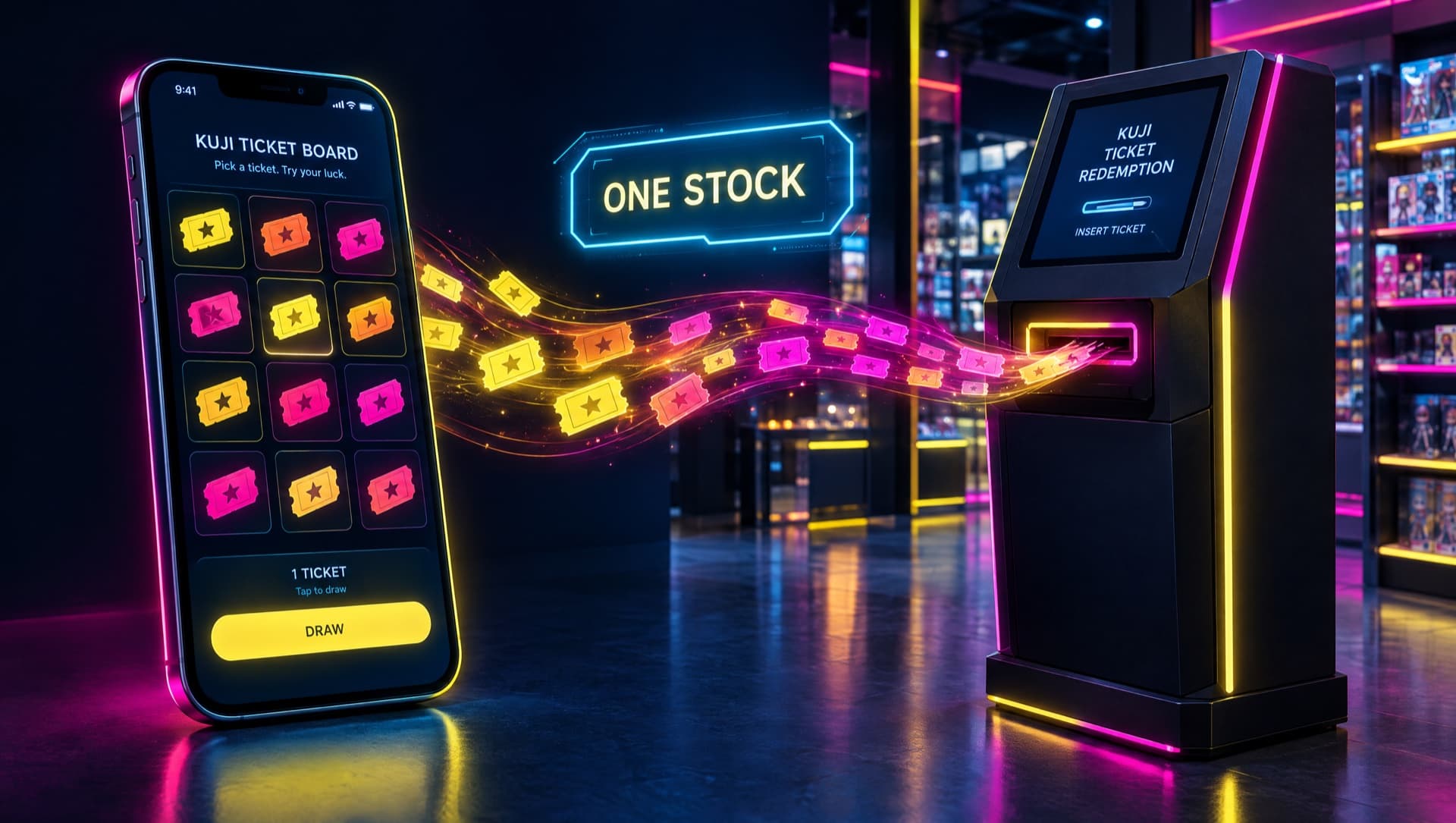
One Stock · Fairness
Open the connected kiosk from the shop's Management page to try shared inventory, orders, and pickup passes. For an actual store rollout, we test concurrent purchases, cancellations, and failure recovery against your payment terminals and network environment.
Draws processed on the server
Draw rules and admin permissions are kept separate, and results and actions are logged.
Payments and inventory checked together
We test that payment approvals, duplicate requests, and concurrent purchases never cause overselling.
Viewable win records
We decide which tiers and times to publish and how much personal information is shown, then reflect it on customer screens.
Pain Points
These are the four questions we hear most from goods shops, TCG shops, fandom commerce businesses, and unattended-store founders who run their own kuji.
Q.We want to sell our own kuji online too, but we don't have a dev team.
We work out the plan and the payment and shipping flows with you, based on your board lineup. Product materials, sales policies, and external service contracts are prepared step by step.
Q.How do we dispel suspicions that the odds are rigged?
We design it so server-side draws and inventory and win records can be verified. In the demo, seeds and results can be reproduced, and we also define operator change permissions and what gets made public.
Q.We want to run an unattended store, but there's no kiosk built for kuji.
We configure draw animations, pickup pass printing, and inventory sync for your store. Actual terminal and printer models and the procurement and installation scope are confirmed during consultation.
Q.Who designs payments, refunds, shipping, and customer service?
We work out with you the integration scope needed for PG review, the shipping request flow, and the operations manual. As the contracting party, the operator handles sign-ups, reviews, and final policy decisions.
Why Kujiworks
Draw processing and admin permissions are separated, and inventory changes and win records are designed to be verifiable. We also define together what information to publish and the QA criteria.
Open the connected kiosk from the shop's Management page to try the same inventory, orders, and pickup passes. The default kiosk is a standalone demo, and actual store integration is tested against your terminals and operating rules.
We handle planning, UI/UX, development, payment integration, and operations manuals together. Who is responsible for hardware procurement, installation, and after-sales service, and the scope of support, are itemized in the quote.
Features
Choose the features and external integrations you need to define your build scope. Included items and costs are shown in the final quote.
Process
At each step, we deliver an output and get your sign-off before moving on. The Starter plan can launch in as little as 4 weeks.
We learn about your board lineup, budget, schedule, and current operations.
OutputConsultation summary · Recommended plan
We finalize the draw type, payment methods, number of kiosks, and design scope, then send you a quote.
OutputFeature spec · Quote · Schedule
We design draw screens and admin screens to match your brand colors and character style.
OutputDesign mockups (Figma)
We build the draw engine, payments and shipping, admin, and draw animations. For kiosks, hardware is sourced in parallel.
OutputStaging site · Kiosk prototype
We test the full flow with you, from payment to shipping requests, inventory deduction, and log publishing.
OutputQA report · Operations manual
We deploy and install the scope that has passed QA. The warranty period and operations support scope are set out in the contract.
OutputLaunch · After-sales service · Operations reports
Pricing
The plans below cover online site development. For in-store kiosks, we discuss your installation environment and required setup separately.
Online site development only
₩0
An example of a template-based online kuji build. Commission-based terms and the schedule are confirmed after reviewing your requirements.
From ₩8.9M
Custom design and animations tailored to your brand. Drive repeat purchases with member rewards and community features.
From ₩19M
An example of a fully custom configuration with no builder transaction fee. App and kiosk integration and the source code handover scope are set out in the contract.
※ Pricing, fees, and lead times are examples. Amounts exclude VAT, and final terms are confirmed in a quote and contract after consultation.
Physical stores
Software license + hardware + installation, quoted per unit.
Varies by number of units, location, and terminal configuration. What's covered for shipping, installation, and after-sales service, and for how long, is confirmed separately.
Compare
Compare what to decide first for online sales, in-store operation, and combined operation. Final implementation and installation scope are confirmed after consultation.
| What to check | Online-first | Store-first | Online + store |
|---|---|---|---|
| Customer touchpoint | Mobile web | Touch terminal | Web + terminal |
| Payment integration | PG review & integration | Terminal & merchant contracts | Per-channel contracts & settlement |
| Prize fulfillment | Shipping & store pickup | Staff handover & dispenser | Unified pickup history |
| Inventory design | Online orders & draws | Boards & prizes per store | Shared server & concurrent sales |
| On-site prep | Product & shipping ops | Space, power & network | Both online and on-site |
| Key QA checks | Duplicate payments & sellouts | Connectivity, printing & device recovery | Simultaneous last-ticket purchases |
Live Demo
Try purchasing, drawing, and pickup in the online shop and the in-store kiosk, and explore member rewards and operations features too. For each feature, we note whether it's a server demo, a simulation, or a separate build item.
ONLINE KUJI
A kuji shop in your hand. Browse collections and check the prizes you like and the tickets left.
KUJI KIOSK
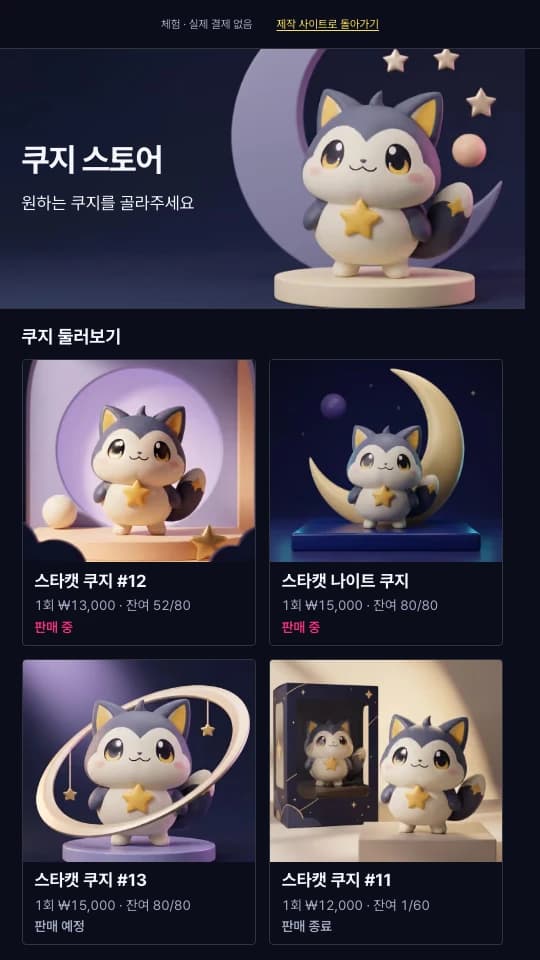
Start with a single tap in store. Follow the in-store flow from choosing prizes to drawing and seeing your results.
Each demo opens on its own page. Check the notes on each screen for available features and demo scope.
FAQ
Have more questions? We'll answer them right away in a free consultation.
The 4-, 8-, and 12-week timelines in the current pricing table are example schedules for each plan. We confirm the actual delivery date in a quote and schedule after reviewing feature scope, material readiness, PG review, and hardware availability.
Required registrations and filings, product rights, and operating policies can vary with your sales structure and products. Outline your business plan and confirm what applies with the relevant authorities and professionals. We then reflect the confirmed requirements in your site's notices and purchase flow.
We design draw rules, inventory by tier, win records, admin change history, and what to make public, all together. Server-side randomness alone doesn't prove fairness, so separated permissions and testing for concurrent purchases and retries are also needed.
We decide on the card, express payment, and bank payment methods you need during consultation and finalize them based on your PG or terminal contract and review results. Demo payments are separate from real payments, and we test approvals, cancellations, and failure recovery before launch.
We can migrate member and product data and link your existing store to your kuji site. Order integration is quoted separately depending on scope.
We review touchscreen, payment terminal, and printer models to suit your space and operations. Who procures the hardware, shipping and installation areas, travel fees, consumables, and the after-sales service period are itemized and confirmed in the quote.
Build Guide
From online kuji site quotes to kiosk installation and pre-launch QA, these guides help you define how you'll operate and which features you need.
Online kuji · Quote prep
Define your kuji board, draw method, payments and shipping, admin permissions, and monthly operating costs to scope your online kuji or oripa site.
Read guideIn-store kiosks · Installation prep
A checklist covering kuji kiosk installation space, power and network, payment terminals and printers, prize pickup, inventory sync, and maintenance scope.
Read guideLaunch prep · QA
From payments, draws, inventory, and shipping to failure recovery and operations handover—these are the QA criteria to check before launching an online kuji or kiosk service.
Read guide
Free Consultation
Tell us about your kuji board, budget, and timeline, and we'll get back to you. Consultations are free, and you can decide after receiving a quote.